
The evening is yours.
Watch live channels, films and series from your playlists on your Android TV, phone and tablet.
Sync and remote management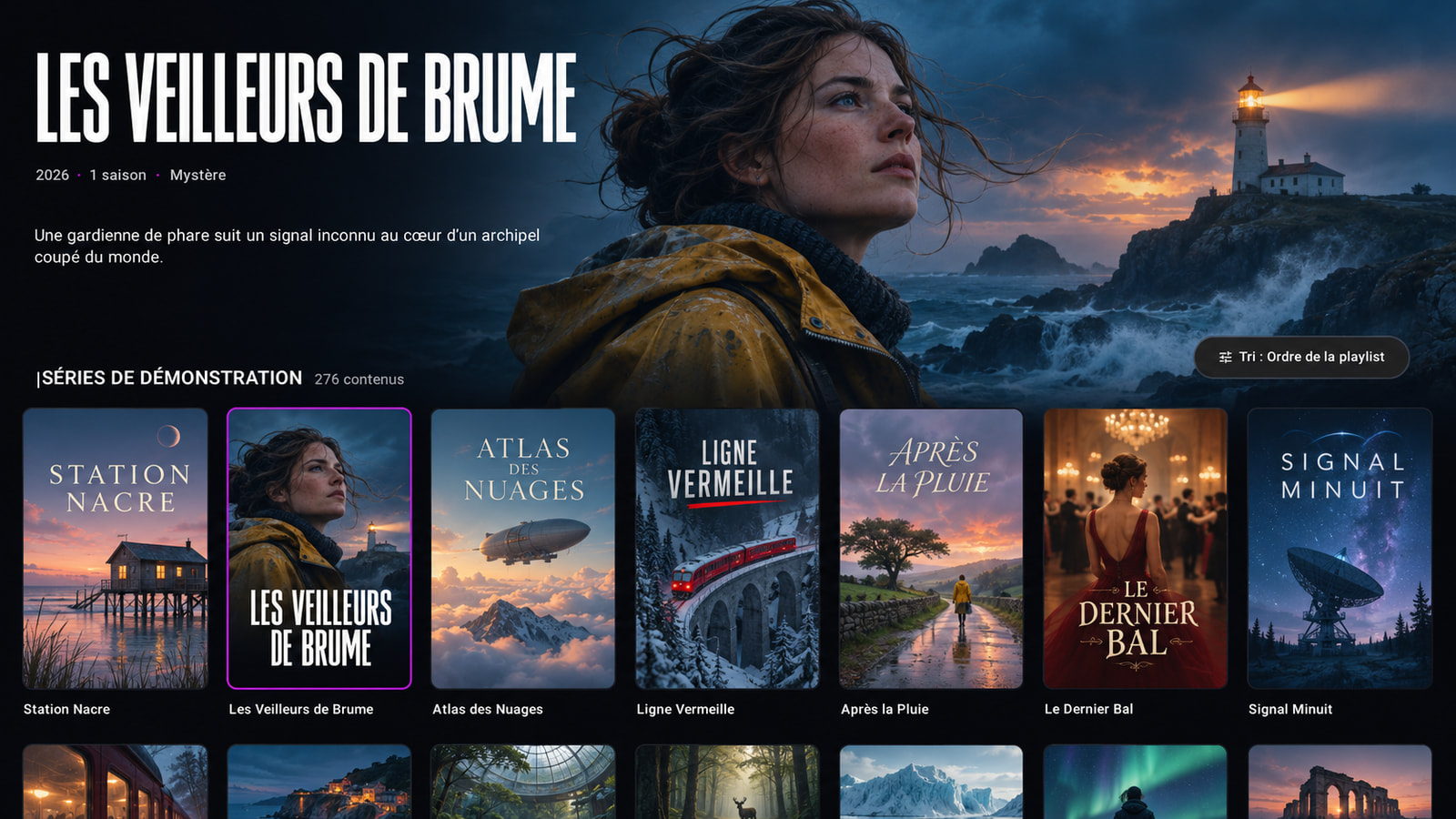
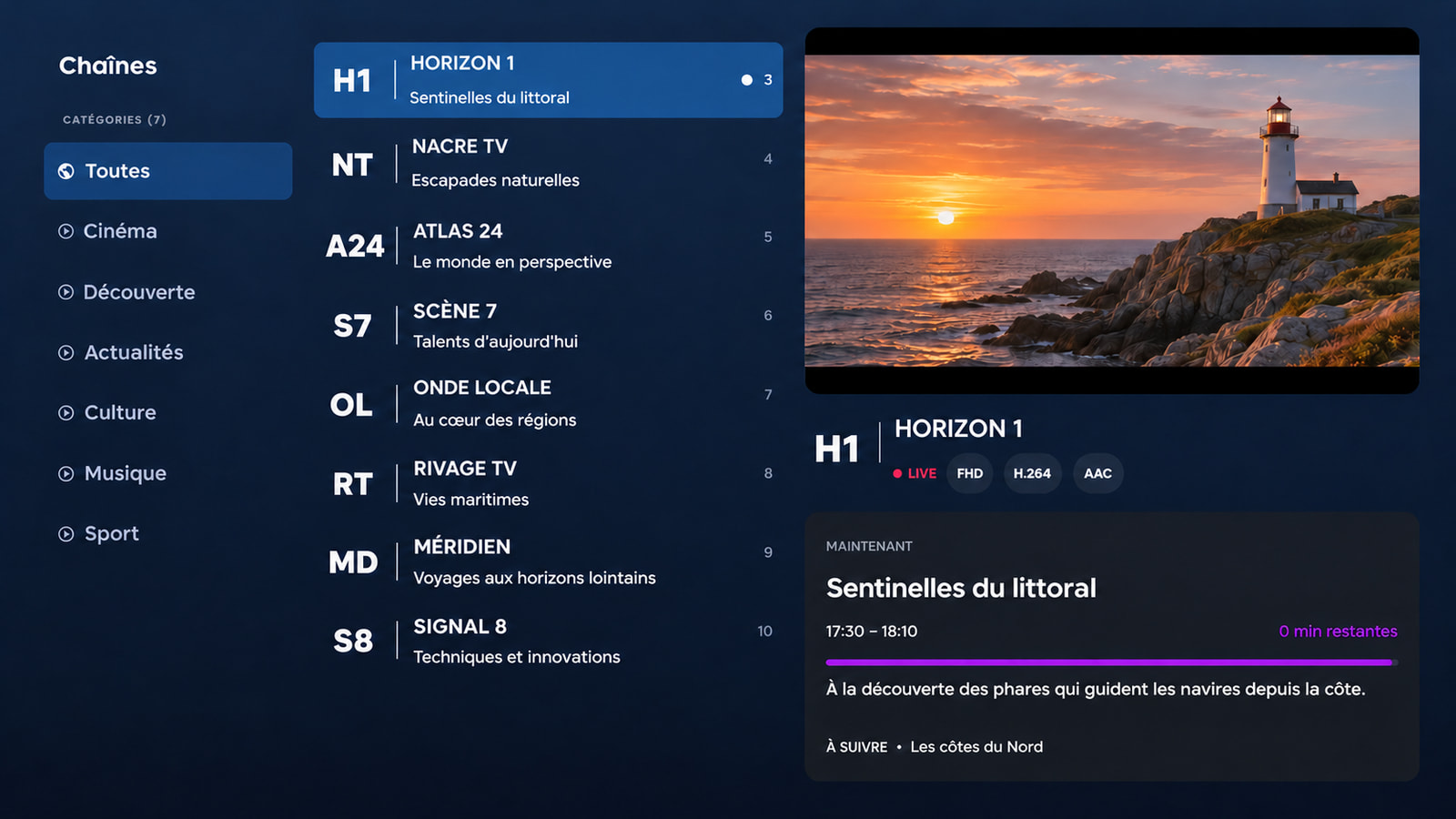
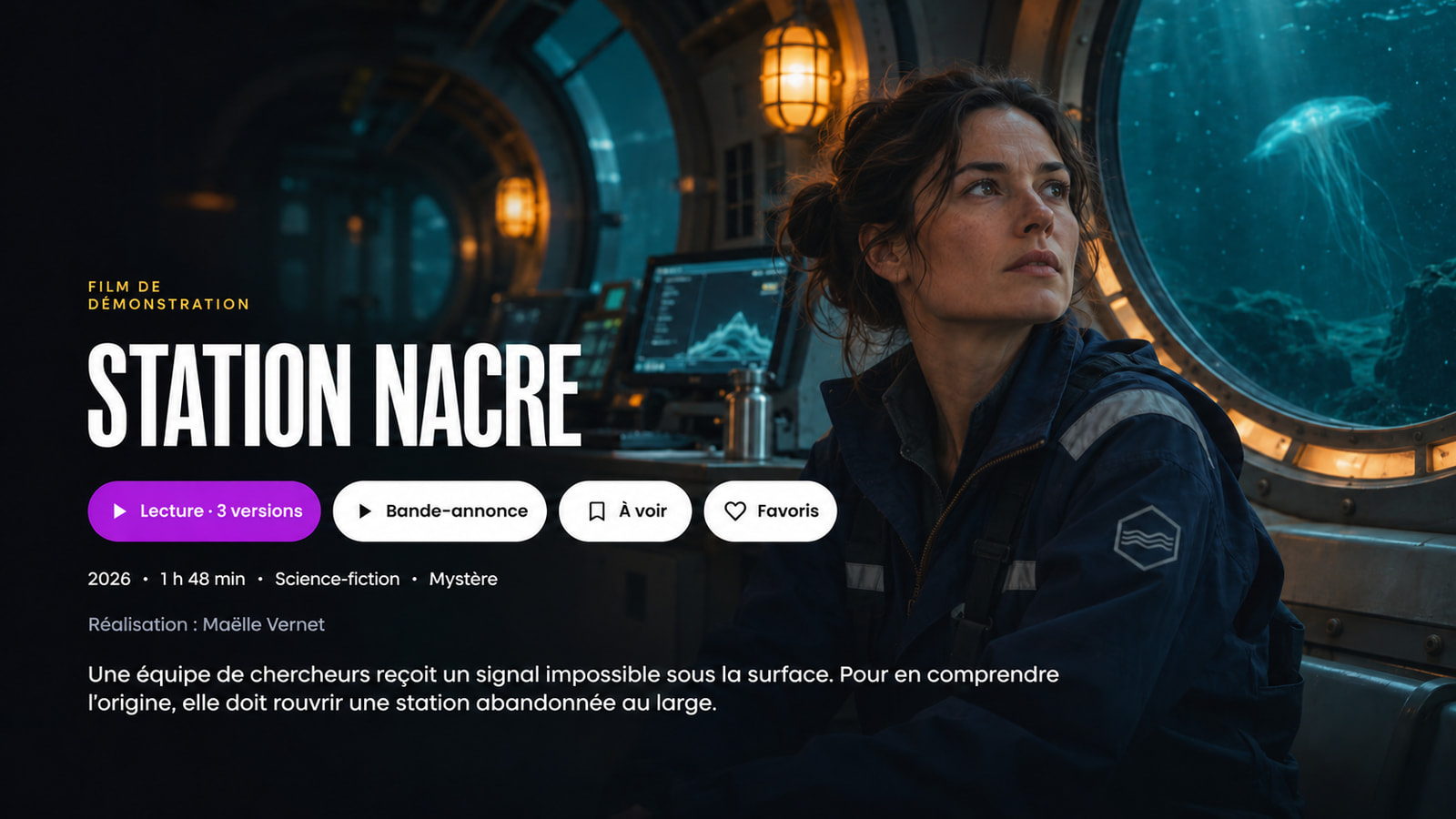
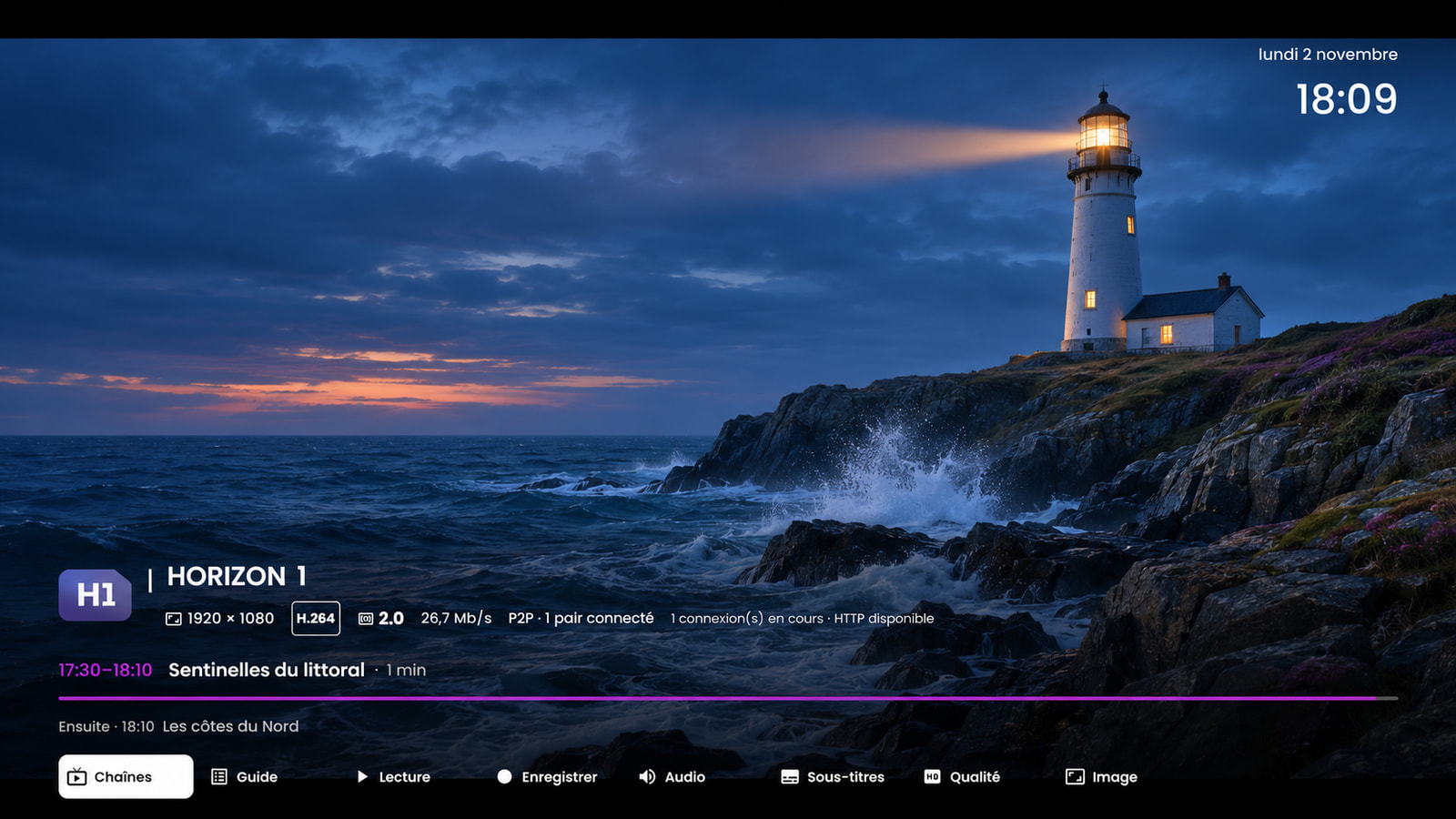
Explore the player
Read the demo transcript (20 sec)
- 0:00
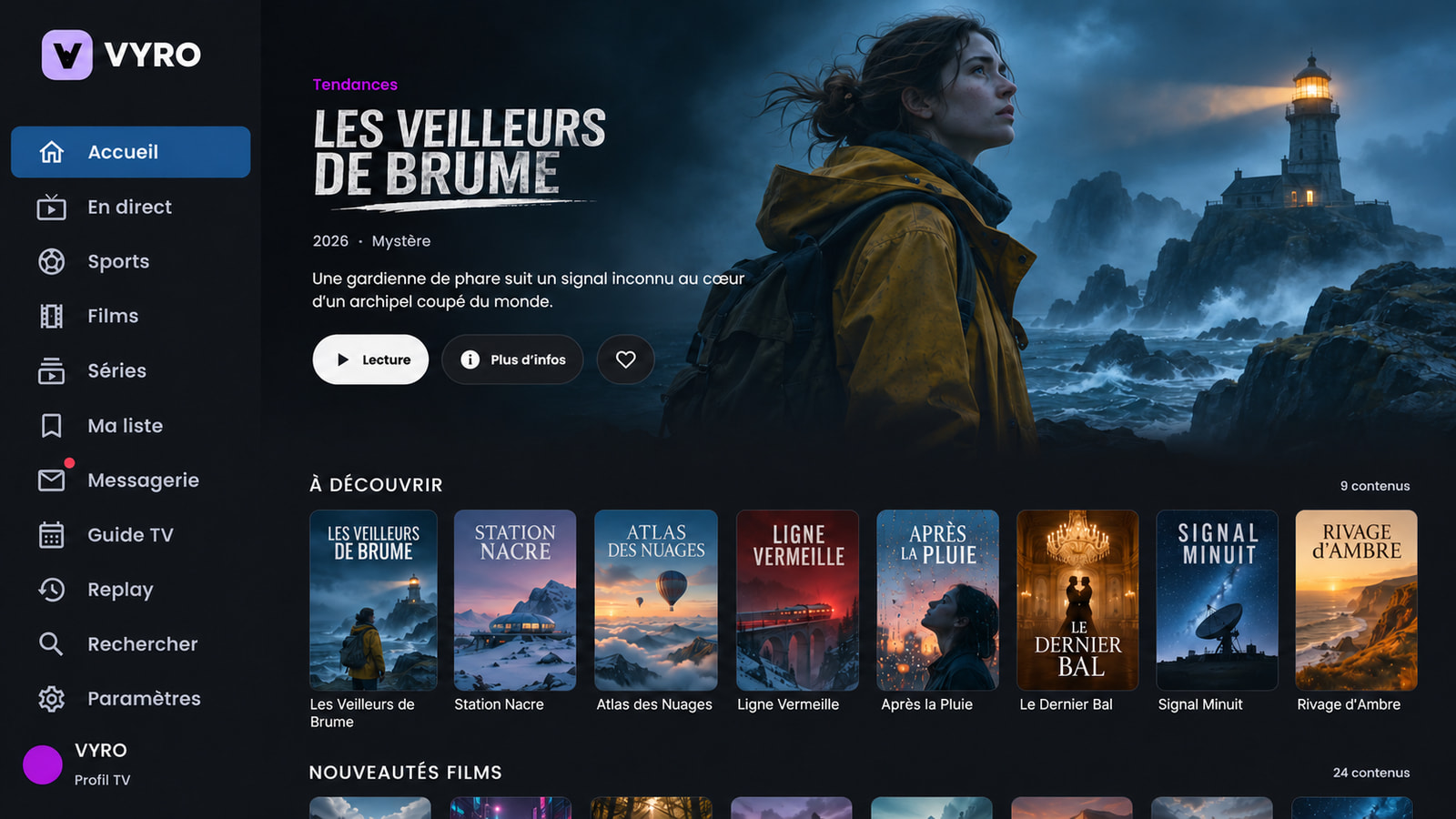
Live TVThe channel grid shows a live preview and what’s on now.
- 0:05
SportsThe SHOW+ Sports screen on Fire TV shows competitions, results and upcoming fixtures when the data is available.
- 0:10
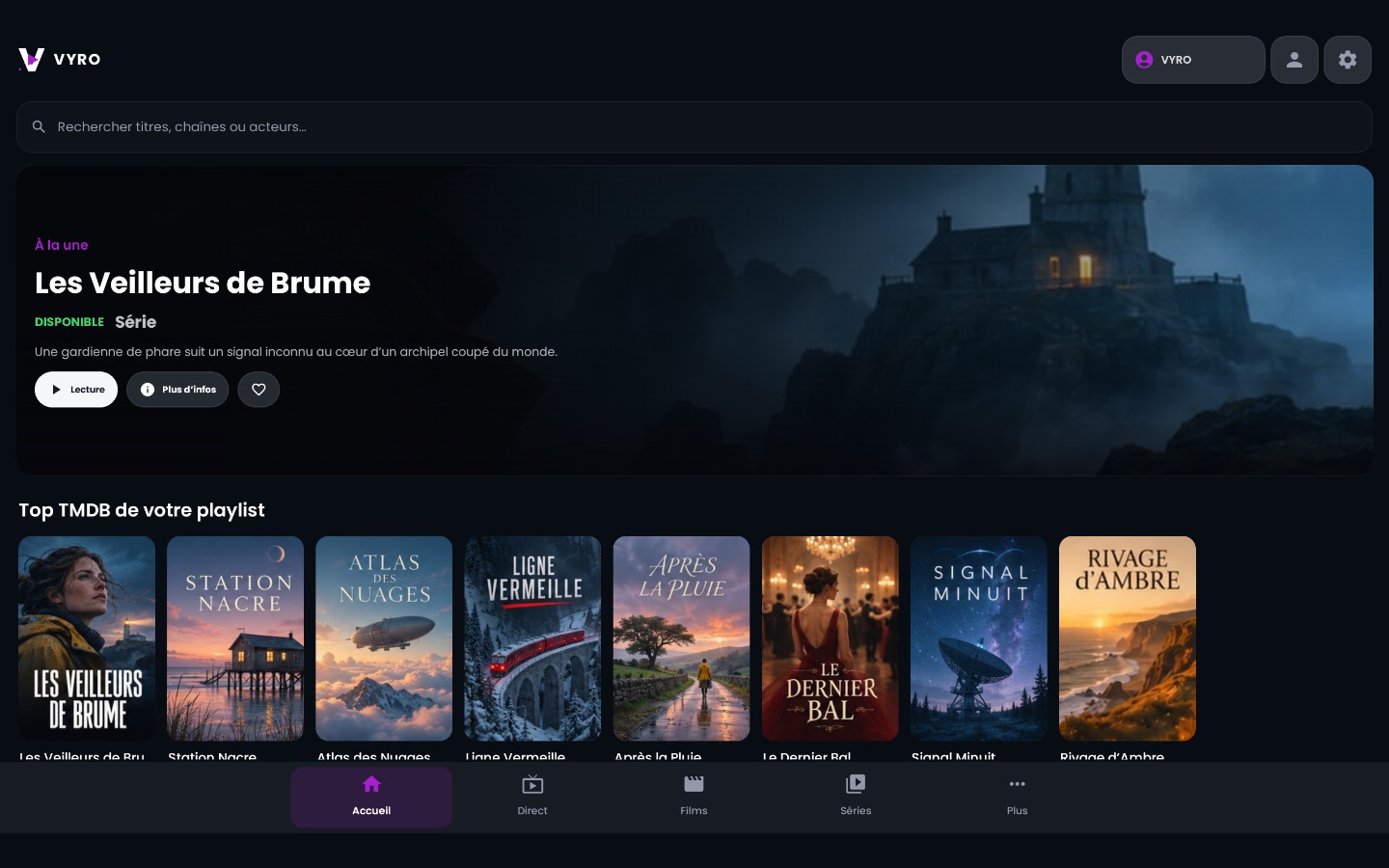
From TV to phoneThe same title appears on both screens. With the same playlist open on both devices, the primary TV syncs its favourites, groups and watch history to the phone. Open the app on the phone to receive changes.
- 0:15
Customer areaA mockup shows how to manage an M3U playlist and restore a TV backup to your phone. Open VYRO on the phone to apply the restore.
Retouched VYRO screenshots, a SHOW+ screenshot on Fire TV and a customer area mockup with fictional data. VYRO doesn’t supply any streams.
VYRO / MULTI-DEVICE
Switch screens. Pick up where you left off.
With the same playlist set up on your devices, take your favourites, custom groups and watch history with you as you switch screens.
- TV
Start on the big screen
Browse your library and save favourites from your TV.
- Tablet
Keep things in order
Find your favourites and custom groups right where you expect them.
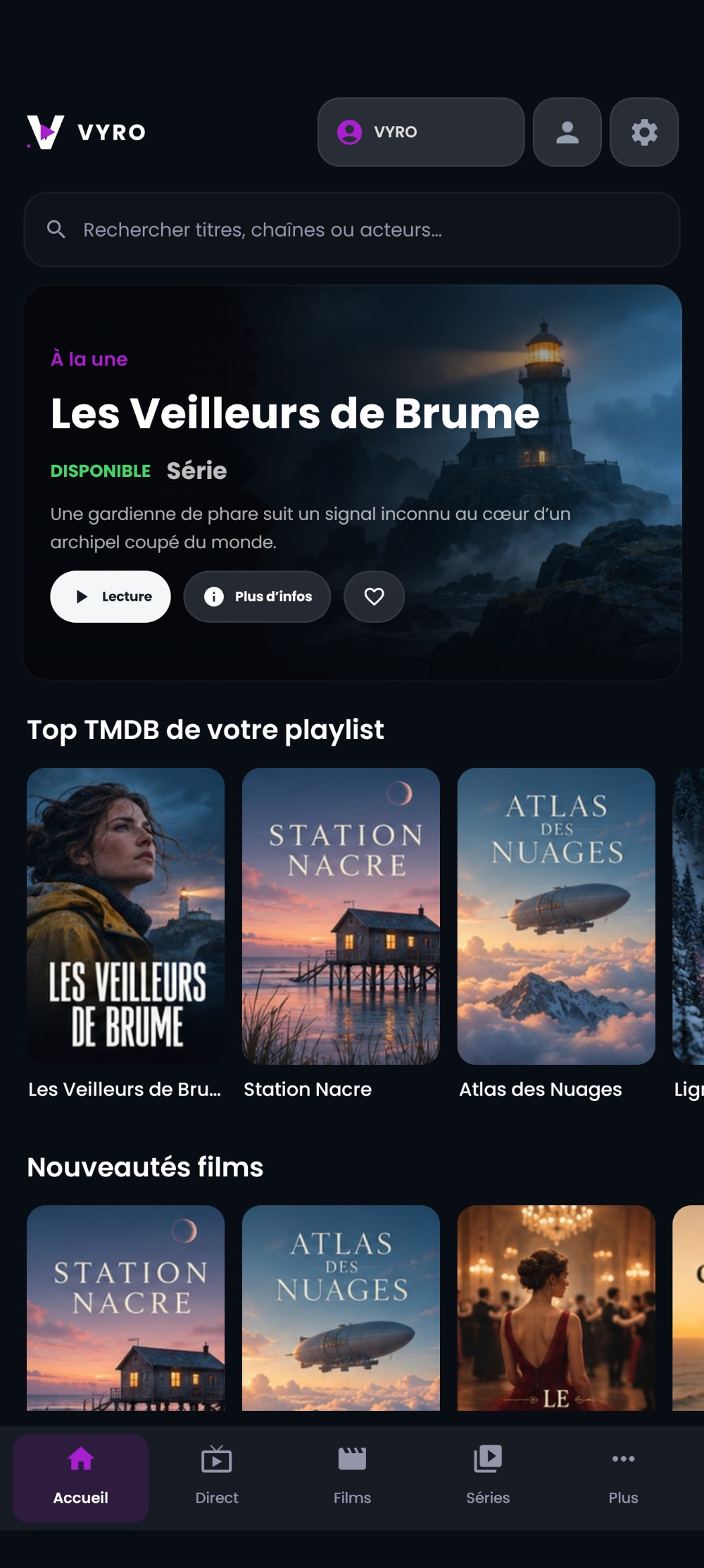
- Phone
Pick up where you left off
Find your watch history and playback progress on your phone.
Your account
Your settings, on every screen.
Use your TV configuration on a phone, tablet or another TV. Manage playlists and backups for your paired devices from your browser.
Sync across devices
Transfer favourites, groups and playback progress by backing up one device and restoring its configuration on another.
Backup, import and export
Keep configurations in your account. Export them as JSON files and import them again when needed. The file contains no playlist URLs or passwords.
Remote playlist management
Add or edit an HTTPS M3U URL, rename playlists, and choose the visible categories and groups for the open playlist.
These features require a compatible version of VYRO. To transfer favourites and history, configure the same playlist on both devices.
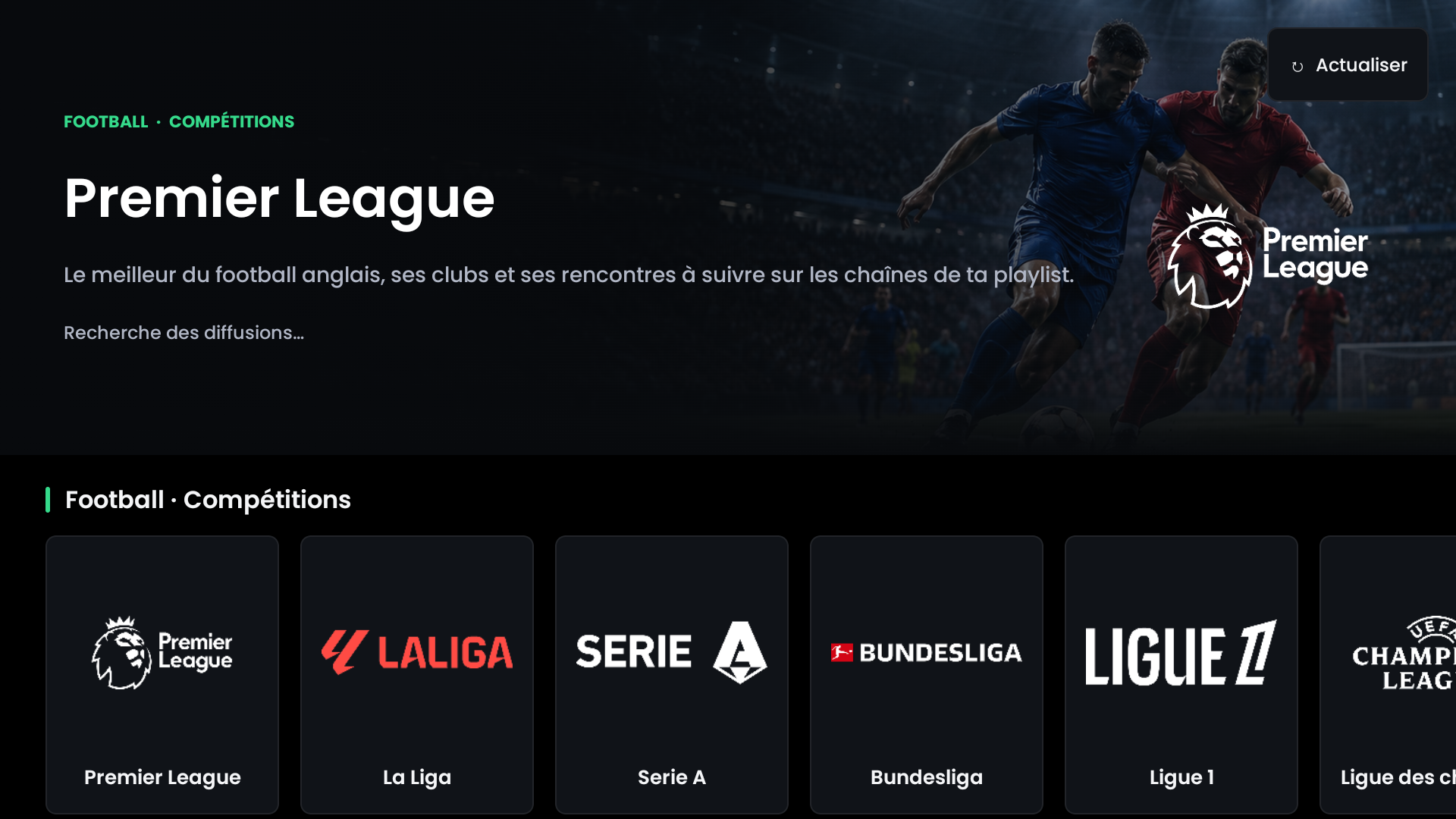
SHOW+ screenshots on Fire TV Stick. The channels shown depend on the playlist. VYRO does not provide streams.
01 / IN THE PLAYER
From the guide
to full screen.
See what's on, browse your titles and start watching from one interface.
02 / GETTING STARTED
VYRO on your TV.
Bring a compatible source. VYRO handles playback and navigation.
03 / PLANS
Choose your VYRO Premium plan.
Annual access for 1, 3 or 5 devices, or lifetime access for 5 devices.
Online purchases are currently unavailable.
Included in every plan
- TV and Android mobile player
- Live TV and programme guide with your source
- Films and series from your source
- Remote playlist management
- Backup and restore
- Sync across compatible devices
- Updates
- Support
Every plan gives you access to the VYRO Premium player. Channels, films and series are not included.
04 / HELP
Frequently asked questions.
What is VYRO Premium?
VYRO Premium is a media player and manager for TVs. Connect a compatible source to organise and watch live TV, films and series, browse a programme guide and track playback using your remote.
Does VYRO provide TV channels?
No. VYRO Premium does not supply, host or distribute channels, films, series or video streams. No IPTV subscription is included or sold.
What do I need?
A compatible Android phone or tablet, an Android TV, Google TV or Amazon Fire TV device, and a media source you are authorised to use.
Which devices are compatible?
Compatible Android phones and tablets, Android TV, Google TV and Amazon Fire TV.
Can I install VYRO on multiple devices?
Annual plans cover 1, 3 or 5 devices. The Lifetime plan covers 5 devices on one account. Check your current licence limit in your account.
How do I transfer my settings to another device?
On a compatible version of VYRO, pair both devices with your account. In Remote management, create a backup and restore it on the other device. For favourites, groups and history, open the same playlist on both devices. You can also export and import configurations as JSON.
ALREADY A CUSTOMER?