
THE APP
Inside VYRO.
Explore real screens from the player and see how to carry your settings across devices.
Your account
Your settings, on every screen.
Use your TV configuration on a phone, tablet or another TV. Manage playlists and backups for your paired devices from your browser.
Sync across devices
Transfer favourites, groups and playback progress by backing up one device and restoring its configuration on another.
Backup, import and export
Keep configurations in your account. Export them as JSON files and import them again when needed. The file contains no playlist URLs or passwords.
Remote playlist management
Add or edit an HTTPS M3U URL, rename playlists, and choose the visible categories and groups for the open playlist.
- Pair your devicesUnder Settings → About, display the remote management QR code and confirm the pairing in your account.
- Back up the sourceUnder Remote management, select the source device and choose a settings-only or full backup.
- Restore on the destinationSelect the second device, open the same playlist for a full restore, then start the restore.
These features require a compatible version of VYRO. To transfer favourites and history, configure the same playlist on both devices.
Sports · On TV
Sports on the schedule.
Find sports broadcasts in your playlist's TV guide. Browse competitions, results and upcoming matches when the data is available.
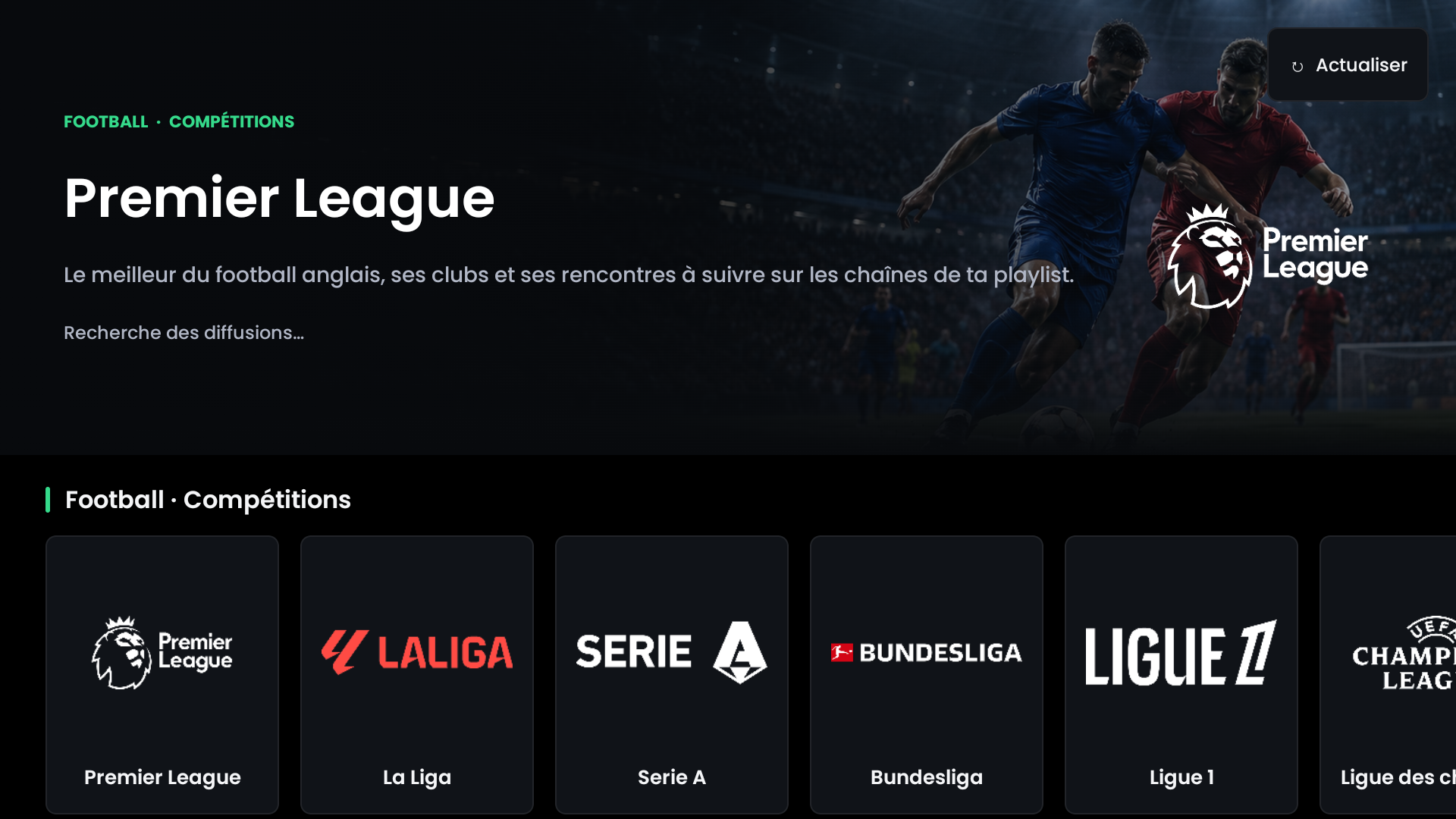
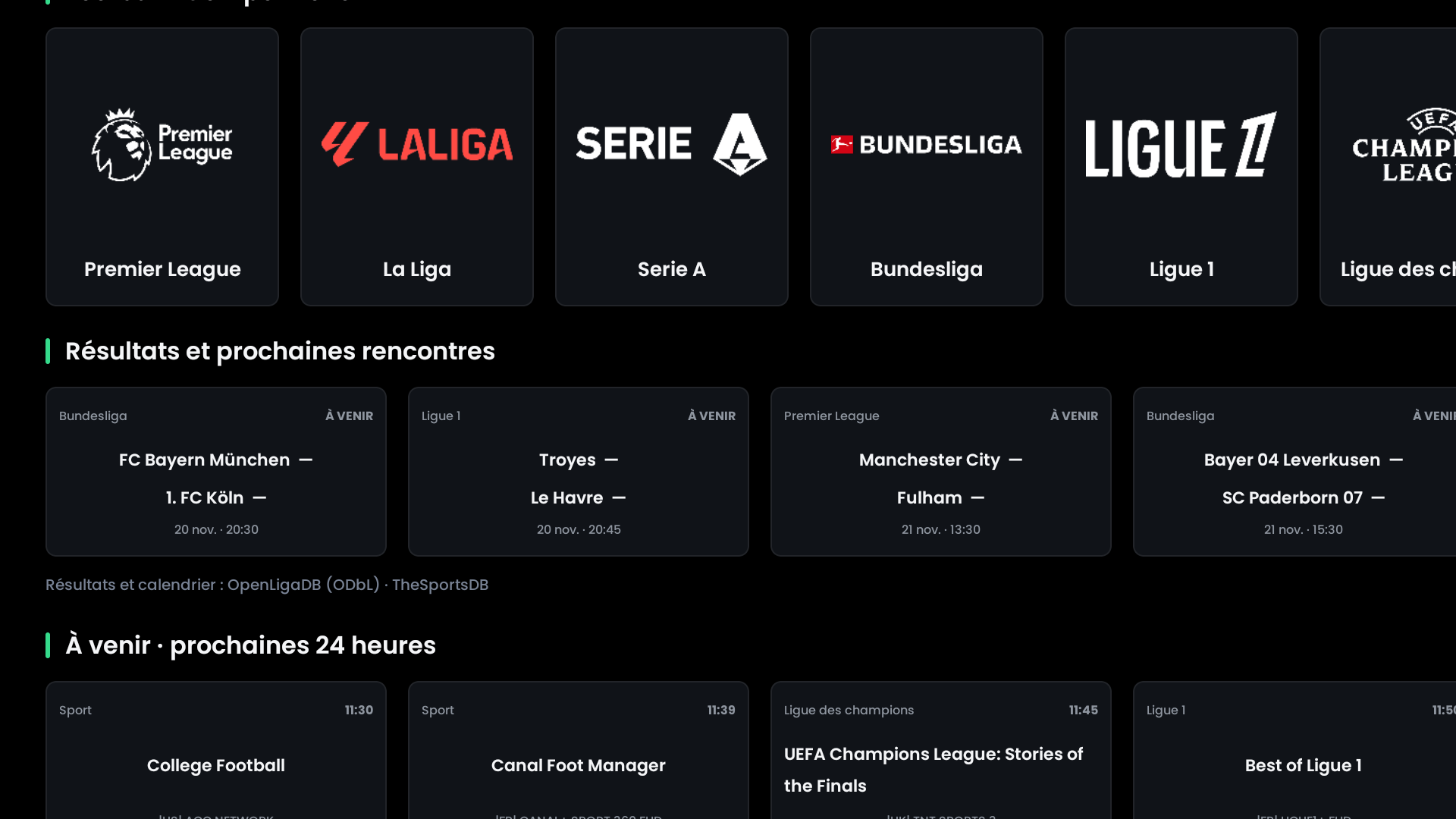
SHOW+ screenshots on Fire TV Stick. The channels shown depend on the playlist. VYRO does not provide streams.
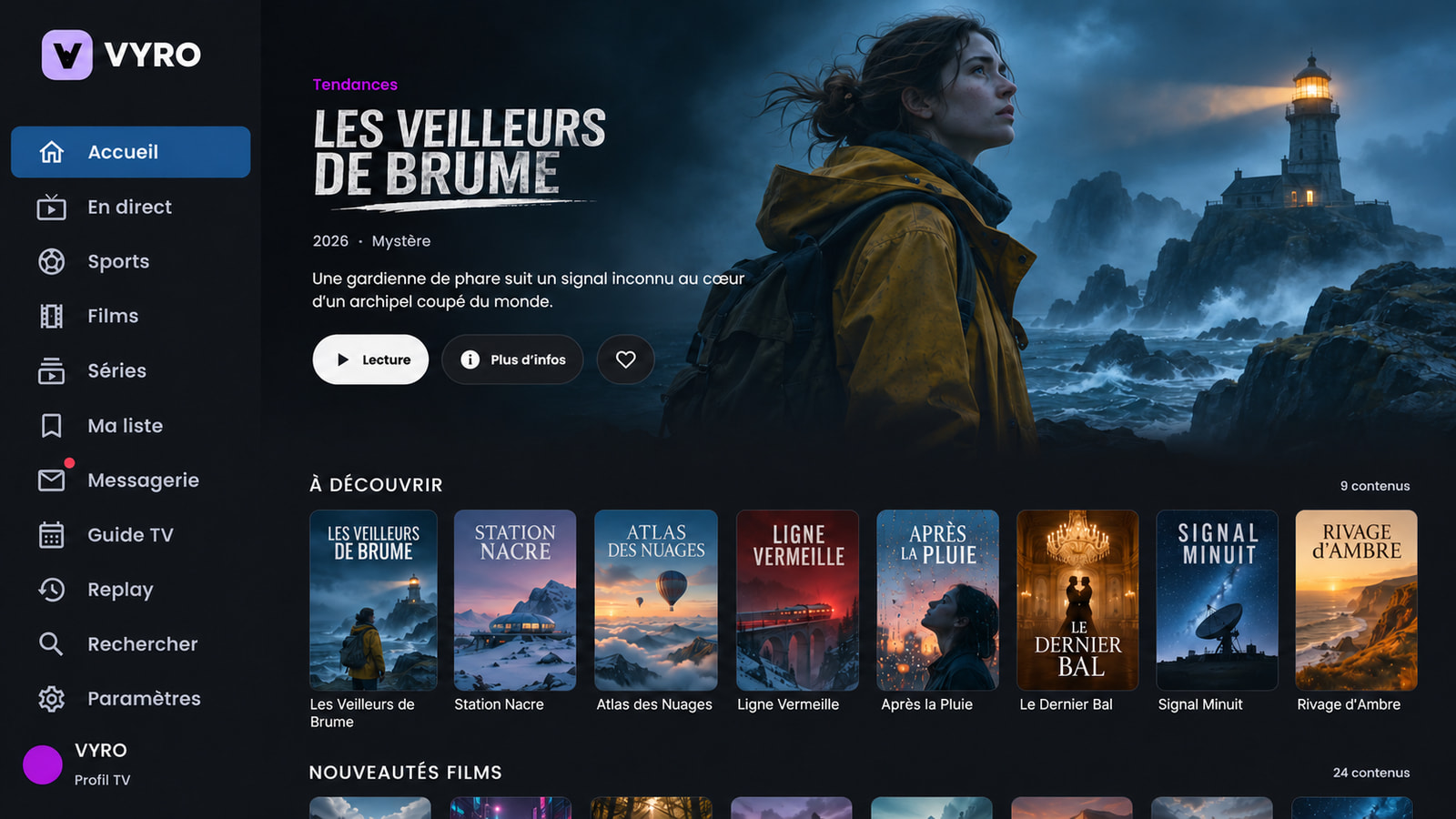
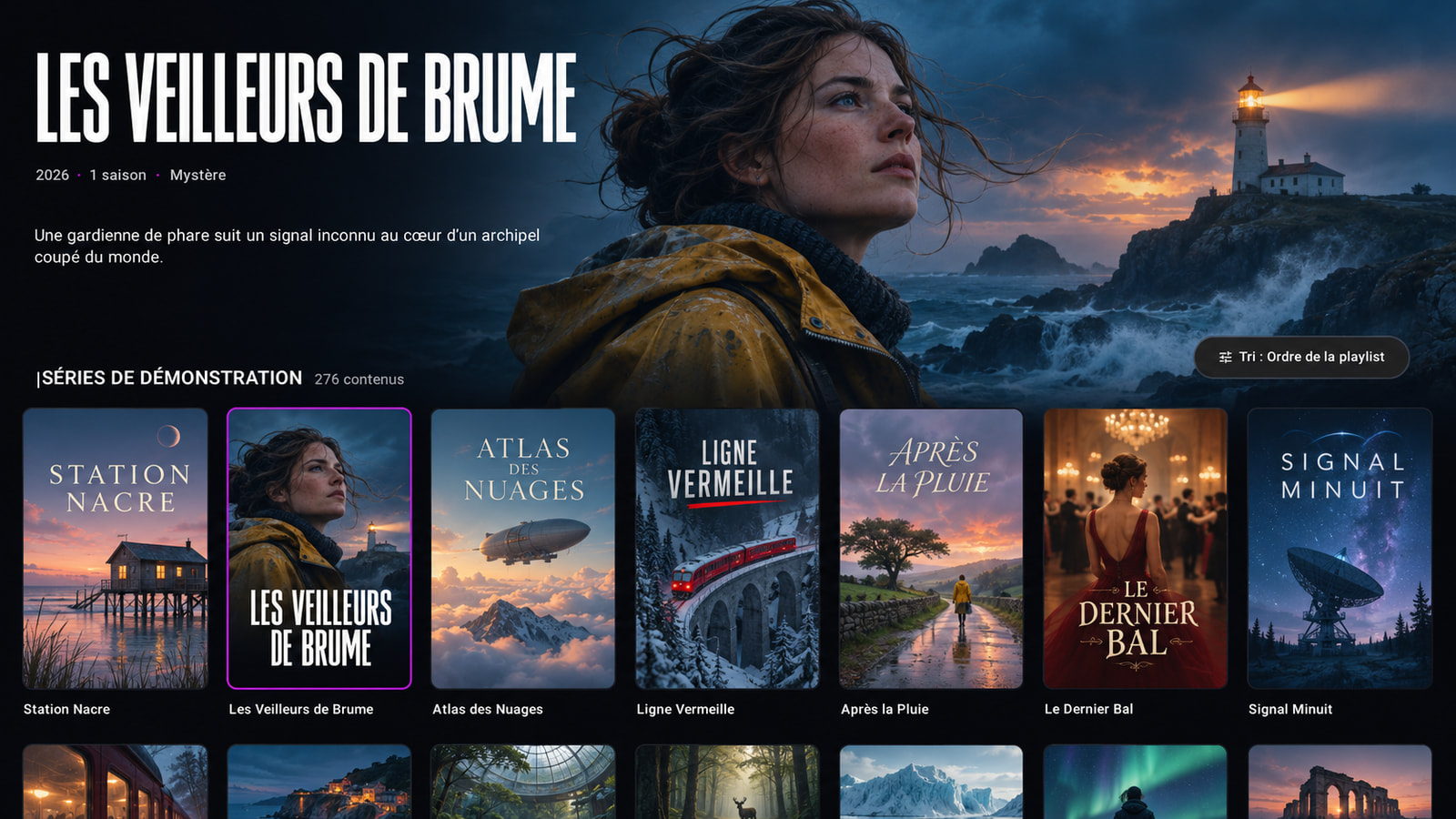
01 / Library
A library you can browse with your remote.
See your films and series with artwork and details that help you decide what to watch.
- Posters and synopses
- Favourites and history
- Seasons and episodes
- Recherche
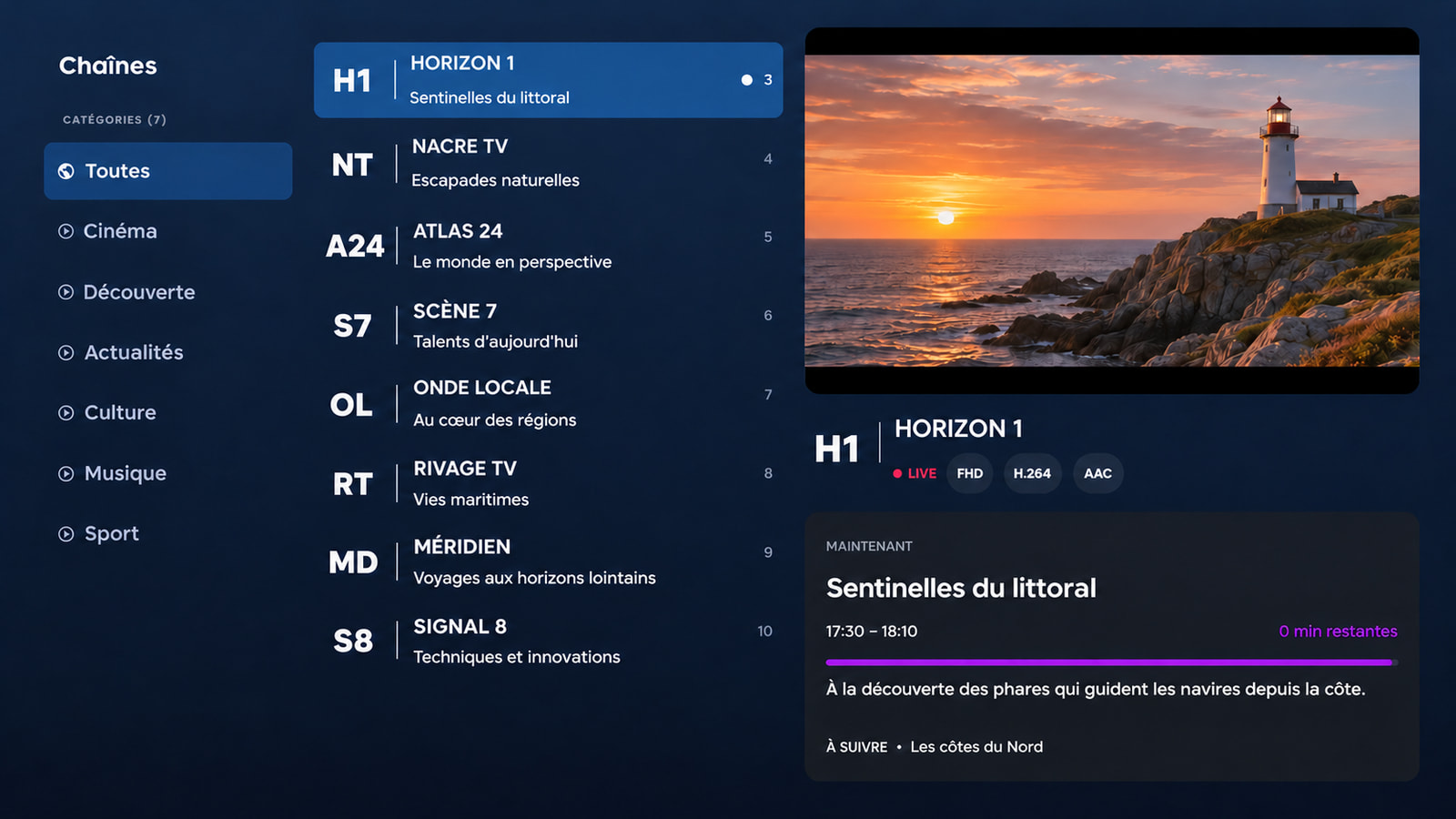
02 / Live TV
The schedule right alongside live TV.
Browse categories and channels, open a preview, and see what's on with a compatible guide.
- Channel previews
- Now and next
- TV guide with compatible EPG
- Remote control navigation
03 / Title details
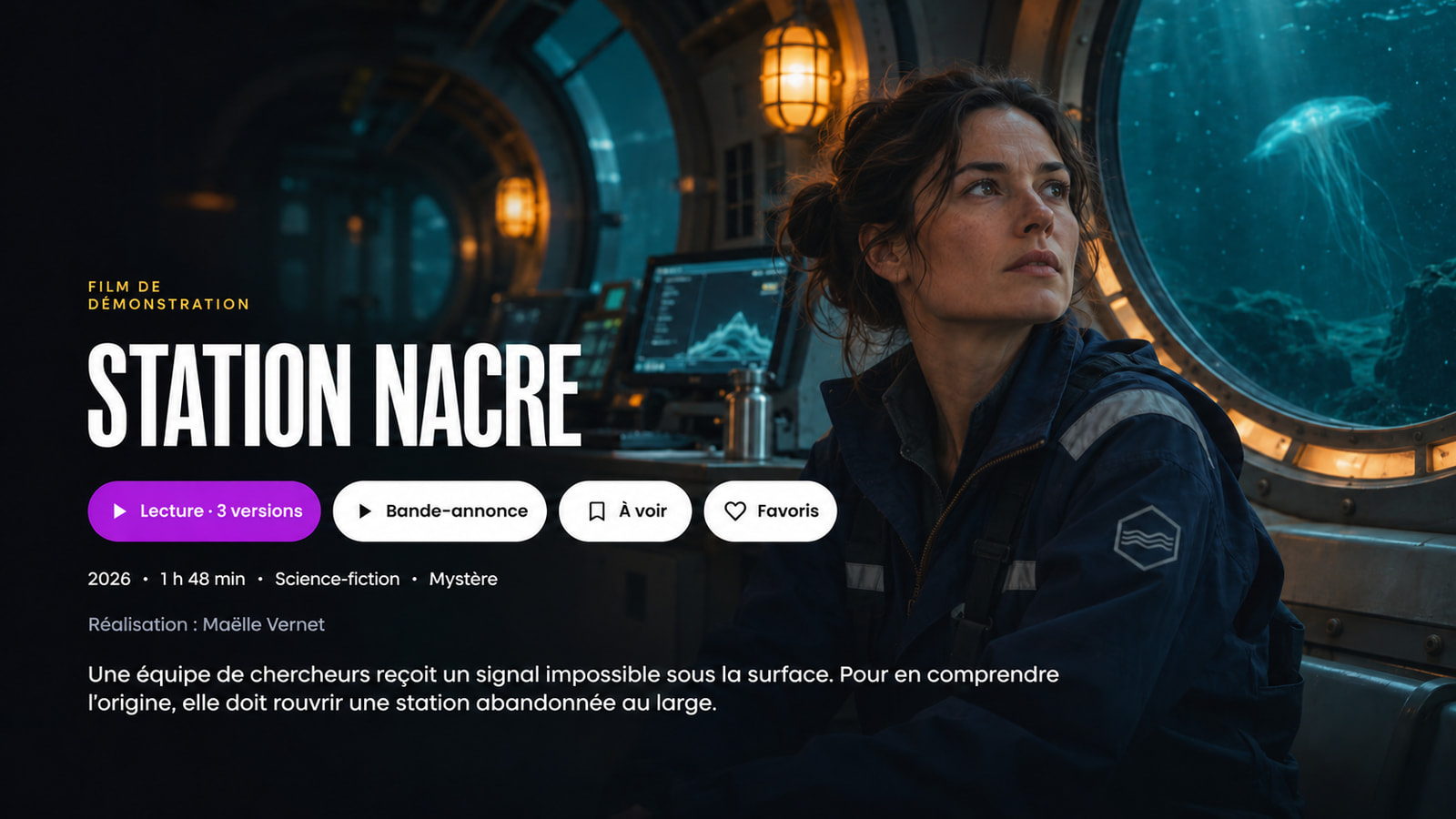
Know the details before you press Play.
Find the synopsis and available information for a title. Compatible metadata services add richer details.
- A page for each title
- Cast and ratings when available
- Episode selection
- Start playback
04 / Player
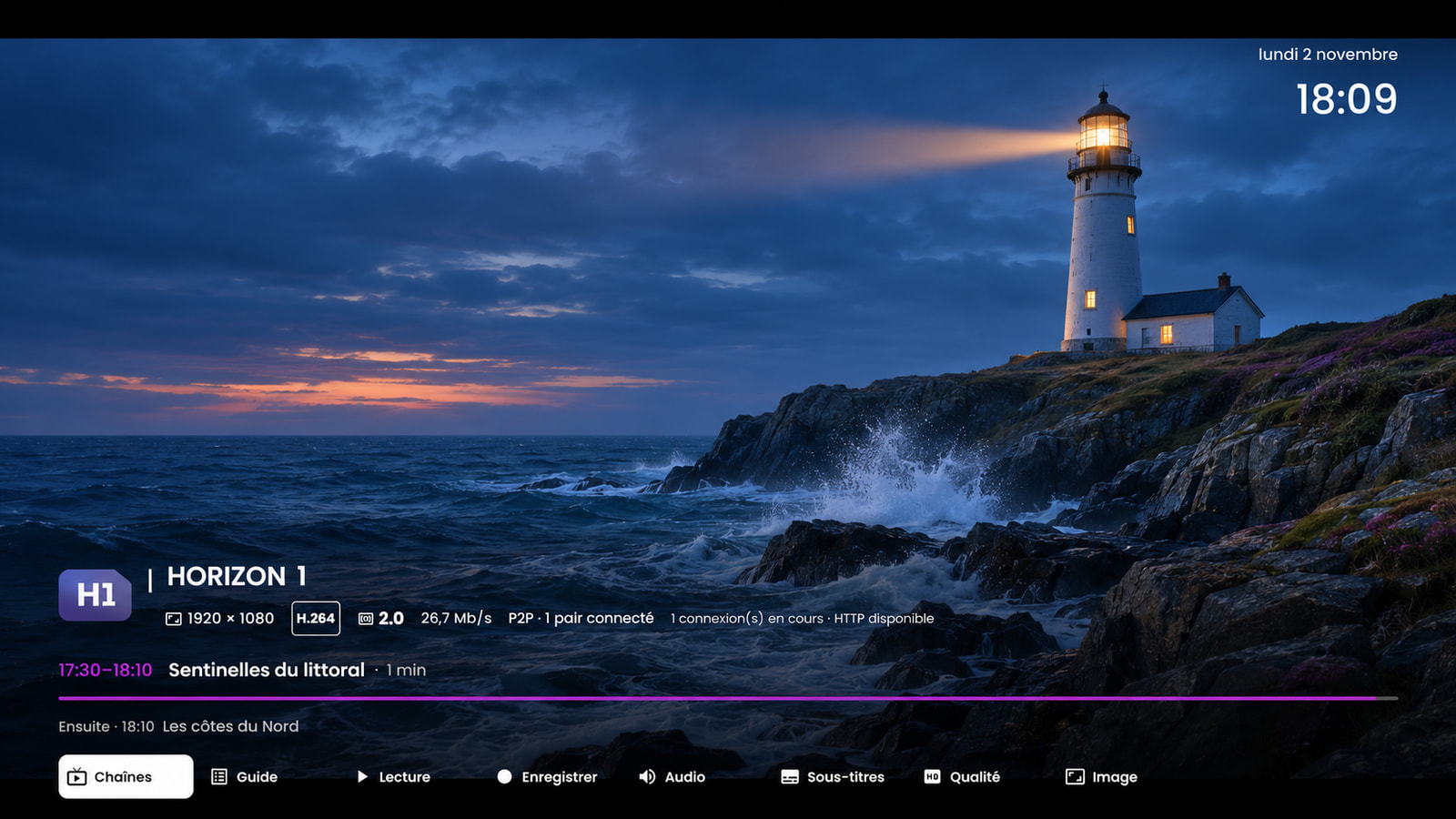
Your controls, in full screen.
Adjust audio, subtitles and aspect ratio during playback. Pick up where you left off on supported titles.
- Audio tracks
- Subtitles
- Aspect ratio
- Resume playback
VYRO screenshots edited to show fictional posters and programmes. No content is included.
PROFILES
A home screen for everyone.
Each profile has its own favourites and history. Connect Trakt to sync your progress.
Check my deviceTV playback settings
Picture and sound your way.
Open Settings → Playback on a compatible TV device to adapt VYRO to your screen and audio setup.
Automatic frame rate (AFR)
In full screen on TV, VYRO asks the display to match the video's frame rate. Depending on your device, you can use seamless switches only or allow a brief black screen during an HDMI switch.
Audio passthrough
In Auto mode, an encoded track can be sent to a compatible audio output. Choose PCM to let the player decode the audio.
Output resolution
Request a resolution that matches the video if your TV and media device offer a compatible mode.
Tunnelling mode and player selection
Tunnelling is a Media3 option for compatible hardware and tracks. You can also choose Media3 or LibVLC separately for live TV and for films and series.
Integrations
VYRO integrations.
Explore the services that enrich your library and track your viewing progress.
- TMDBAvailable
Posters, synopses, cast and metadata.
- TraktAvailable
Synced playback progress.
- MDBListNot integrated
MDBList lists and ratings are not yet supported.
- IntroDBComing soon
Intro detection.
- SubDLComing soon
Subtitle search.
Your TV experience starts here.
Install VYRO Premium and enjoy an interface designed around your TV.